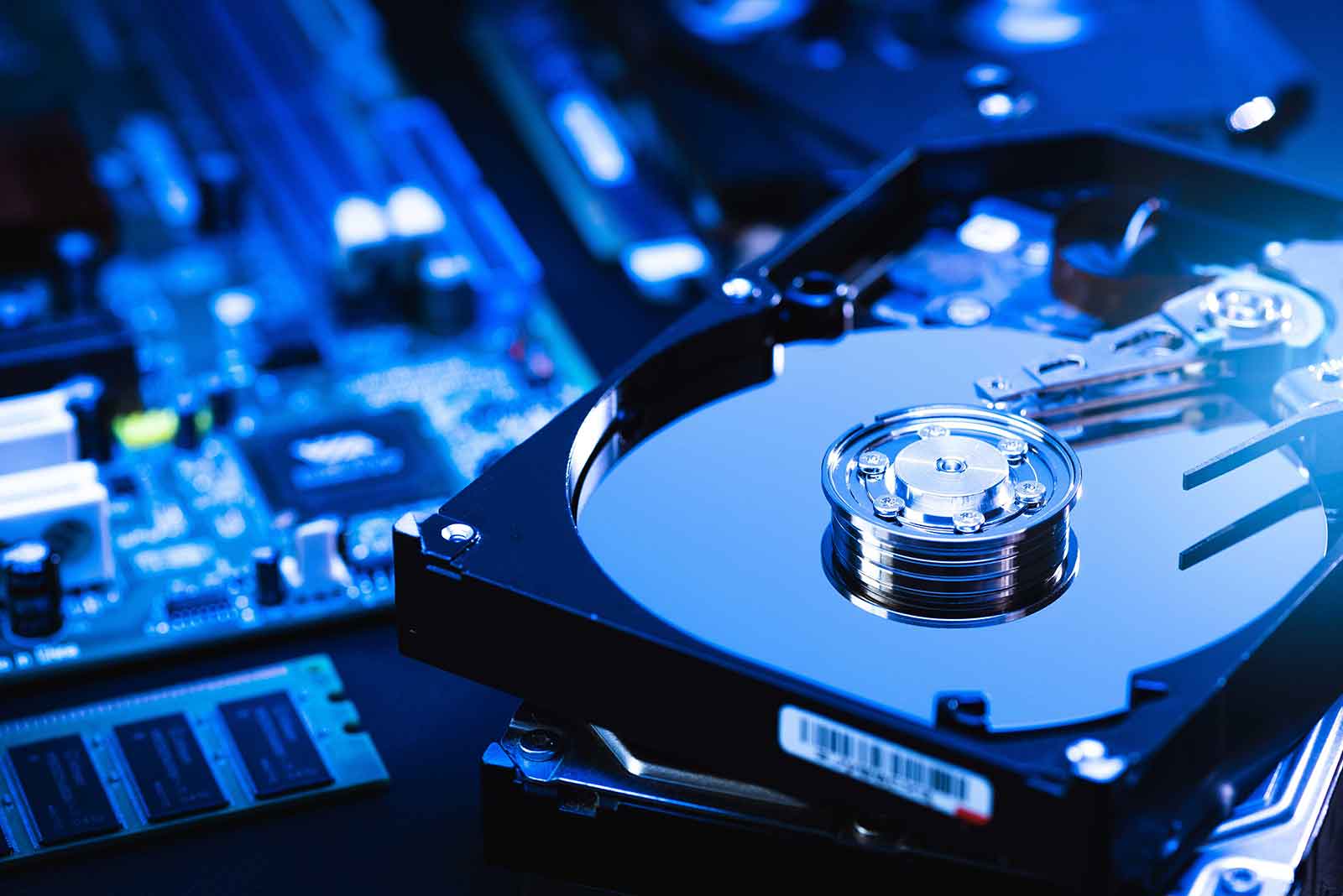

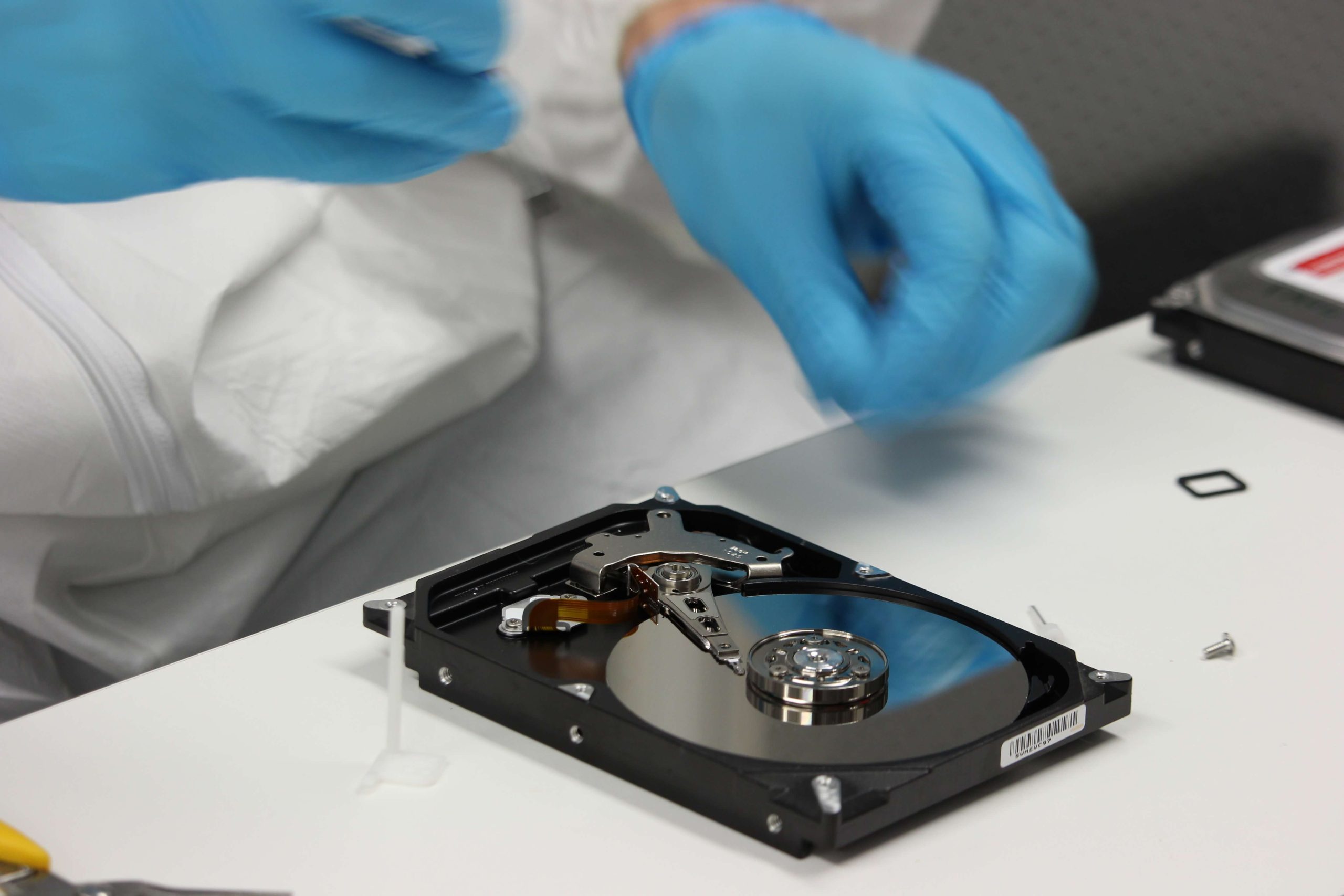
If you’ve encountered issues with your Maxtor Shared Storage device and are looking to recover your data, you’re not alone. The Maxtor shared storage device, though sturdy, presents a challenge when it comes to upgrades or data recovery. Since the firmware for this model hasn’t been updated in quite some time, and the open MSS (Maxtor Shared Storage) community alternatives for hacking it have faded, your main goal might be to recover the data from the hard drive before discarding the device.
Despite its age, Maxtor has designed the shared storage unit with durability in mind. The outer casing is made of heavy aluminum, while the inner cradle is crafted from steel, which contributes to the device’s overall strength. The plastic components and epoxy of the electronic card are relatively light in comparison.
If you’re determined to recover your data, here’s a step-by-step guide on how to open the case and retrieve the hard drive.
Step 1: Open the Maxtor Shared Storage Case
The first step in the recovery process is to open the Maxtor Shared Storage device to access the hard drive inside. The process is straightforward but requires a bit of care.
- Locate and Remove the Screws: There are two screws at the back of the device. One of these screws is hidden under a warranty sticker, which must be removed before you can proceed.
- Remove the Plastic Cover: Once the screws are removed, you can take off the plastic cover of the device.
- Pull Out the Cradle: The next step is to pull out the internal cradle that holds the hard drive. However, this step requires some extra effort, as the cradle is tightly secured and won’t come out easily.
Step 2: Extracting the Hard Drive from the Cradle
Getting the cradle out of the Maxtor casing can be tricky due to its tight fit. If you struggle to remove the cradle by hand, here’s an additional method to help loosen it.
- Use a Flat Screwdriver: Find the notch in the middle of the casing, located just beneath the two USB ports. This notch is where you can insert a flat screwdriver to carefully leverage the cradle out. The leverage will help loosen the cradle from the casing.
- Optional Tool – Kensington-Type Lock: Given the size of the notch, it may also be possible to use a Kensington-type lock to assist with extracting the cradle. This lock fits snugly into the notch and can provide a bit of additional force to help release the cradle.
If you’re unsure about the process, there’s a helpful video available from Bandi Tech, a computer technician from Puerto Rico. His tutorial on YouTube shows how to open and extract the hard drive from a Maxtor Shared Storage device with step-by-step guidance.
Step 3: Recovering the Data from the Hard Drive
Once the hard drive is removed from the cradle, the next step is data recovery. At this point, you can connect the hard drive to another computer via a compatible adapter or docking station. The drive will likely show up as an external storage device, allowing you to copy or transfer the files you need to recover.
However, if the data is inaccessible due to partition issues, drive corruption, or file system errors, you may need to use data recovery software such as:
- Recuva: This free software is excellent for recovering deleted files from damaged or formatted drives.
- PhotoRec: A powerful open-source recovery tool that supports a wide range of file types and file systems.
- TestDisk: If you need to recover lost partitions or repair corrupted partitions, TestDisk can be an invaluable tool. It’s free and works on multiple operating systems.
Step 4: Consider Professional Data Recovery Services
If you’re unable to access the data using software solutions or if the drive is physically damaged, professional data recovery services may be your best option. These services can help retrieve data from malfunctioning hard drives that might have suffered physical damage, such as from a head crash or motor failure. Keep in mind that professional services can be expensive, but they often offer the best chance of recovering data in the case of severe hardware failure.
Conclusion
While Maxtor Shared Storage devices are well-built and durable, they do pose challenges when it comes to upgrades or data recovery. By following these steps—carefully opening the case, removing the hard drive, and using data recovery software—you can often recover your valuable files without having to rely on costly professional services. However, if your drive is severely damaged, seeking professional help might be necessary.