
When a hard drive fails, it can be a devastating experience, especially if it contains important data. While many people may resort to unconventional methods like freezing the hard drive, we do not recommend this approach for a number of reasons. Instead, in this article, we’ll explore practical methods and actions you can take to recover data from a damaged hard drive, specifically addressing hardware failures and situations where the drive isn’t detected by the system.
Common Signs of Hard Drive Failure
Hard drive failure can happen suddenly, without warning. Some common symptoms include:
- Unusual noises: Clicking, grinding, or beeping sounds from the drive.
- Drive not detected: The BIOS or operating system fails to detect the drive.
- Drive spinning but not functioning properly: The drive spins up, but it doesn’t show up in the system.
If the drive was working a few moments ago but now refuses to work without any apparent reason, it could indicate a hardware failure, not just a software issue.
What to Do When Your Hard Drive Is Not Detected
If your hard drive isn’t showing up in the BIOS and you hear unusual beeping sounds or the drive stops spinning, it’s clear that there’s a hardware failure. In such cases, data recovery software won’t be able to help because the drive isn’t even being detected by the system. Below are the steps you can take:
- Check Physical Connections: Ensure that the cables connecting the hard drive to your computer are secure and undamaged. Sometimes, a loose or faulty cable can cause the drive to not show up in the BIOS.
- Try Different Ports: Try connecting the hard drive to a different SATA port or use a different USB cable (if using an external drive) to rule out issues with the ports or cables.
- Listen for Sounds: Pay attention to any unusual sounds like clicking or beeping. These sounds could indicate mechanical failure, such as a stuck read/write head or motor issues. If you hear this, stop trying to use the drive, as further attempts could cause additional damage.
- Test the Drive in Another Computer: If the drive isn’t detected in your current computer, try connecting it to another system. Sometimes a different motherboard or BIOS can successfully detect a failing hard drive.
- Use Data Recovery Software (If Detected): If the drive is recognized by the BIOS but is not accessible in the operating system, you can try using data recovery software. Tools like Recuva, EaseUS Data Recovery Wizard, or MiniTool Power Data Recovery can scan the drive and attempt to recover your files.
When the Drive Is Physically Damaged
If the hard drive is physically damaged, such as with mechanical issues (e.g., damaged platters or heads), the situation becomes more complicated. In these cases, here are the steps you should consider:
- Do Not Freeze the Hard Drive: While there are anecdotal reports of freezing hard drives to “unfreeze” stuck components, we strongly advise against trying this, especially for valuable data. Freezing a hard drive could cause condensation to form inside, leading to further damage. Avoid these DIY experiments.
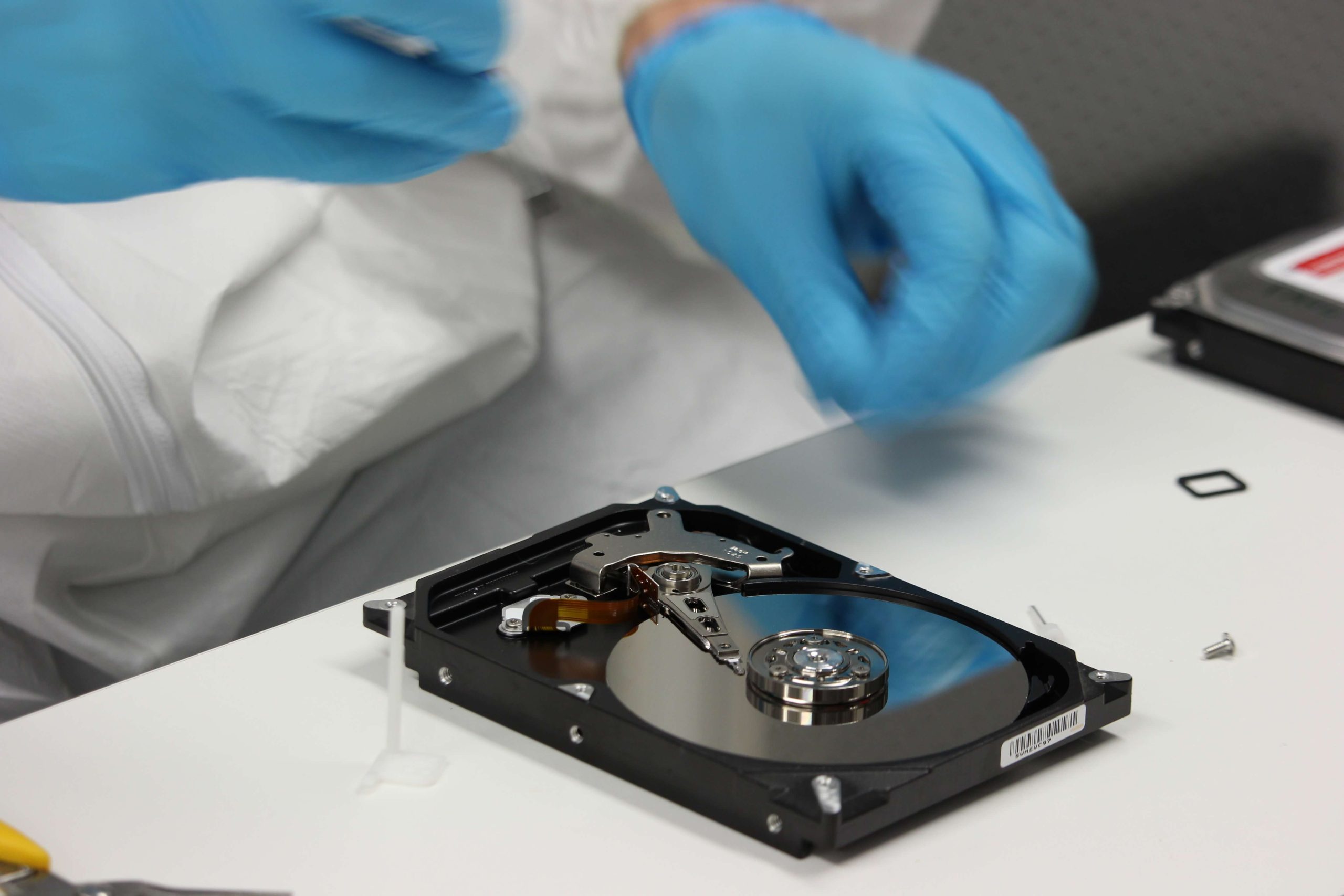
- Visit a Professional Data Recovery Service: If the drive exhibits physical damage and software solutions can’t detect it, your best option is to contact a professional data recovery service. These specialists have the tools and expertise to recover data from physically damaged drives in controlled environments.
- Use a Professional Recovery Lab (for Severe Failures): For cases where the drive shows signs of severe physical damage (e.g., burnt circuits, broken heads, or damaged platters), the data recovery process requires specialized equipment like clean rooms, donor parts, and replacement components to retrieve your data. Professionals in these labs can often recover data that would otherwise be irretrievable.
Why DIY Data Recovery Can Be Risky
While there are many tools available that claim to recover data from damaged hard drives, DIY data recovery can be risky. If you are not careful, you might make the problem worse, especially if the issue is related to physical damage. Data recovery is a delicate process that requires precision, and mistakes can lead to permanent data loss.
If the data is extremely valuable or irreplaceable, it is advisable to leave the recovery process to the experts. Professional services have higher success rates and can provide you with the best chance of recovering your important files.
Conclusion
Recovering data from a damaged hard drive can be challenging, especially when the drive is physically damaged or not detected by the system. While there are some things you can try on your own—such as checking connections, testing different ports, and using data recovery software—there are times when professional help is needed. Remember, don’t risk further damage by attempting methods like freezing the drive. If the data is crucial, your best option is to consult with a professional data recovery service.